( Loading, please wait.. )

10123456789001234567890%

©2025

[ Table of contents ]

Font Trends 2026: The 10 Fonts We Use

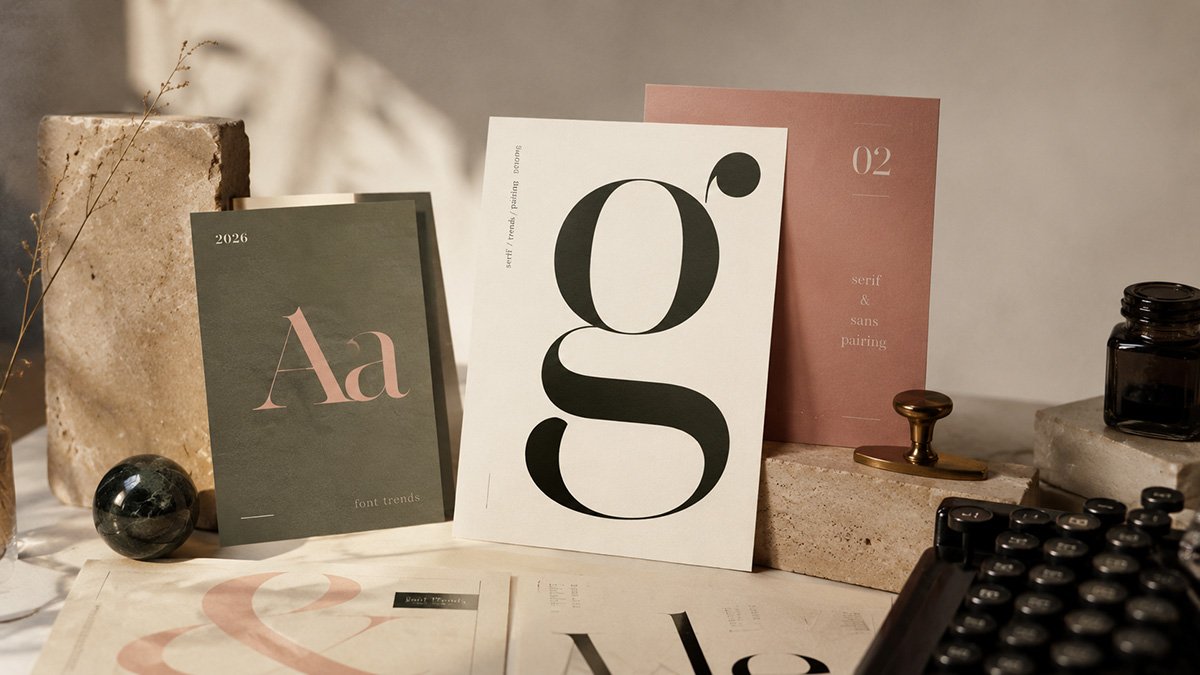
Typography in 2026 is moving away from “neutral by default.” The strongest brand and web work is still clear and readable, but it is also more specific and intentional. The goal is not to chase novelty. The goal is a type system that feels designed on purpose.
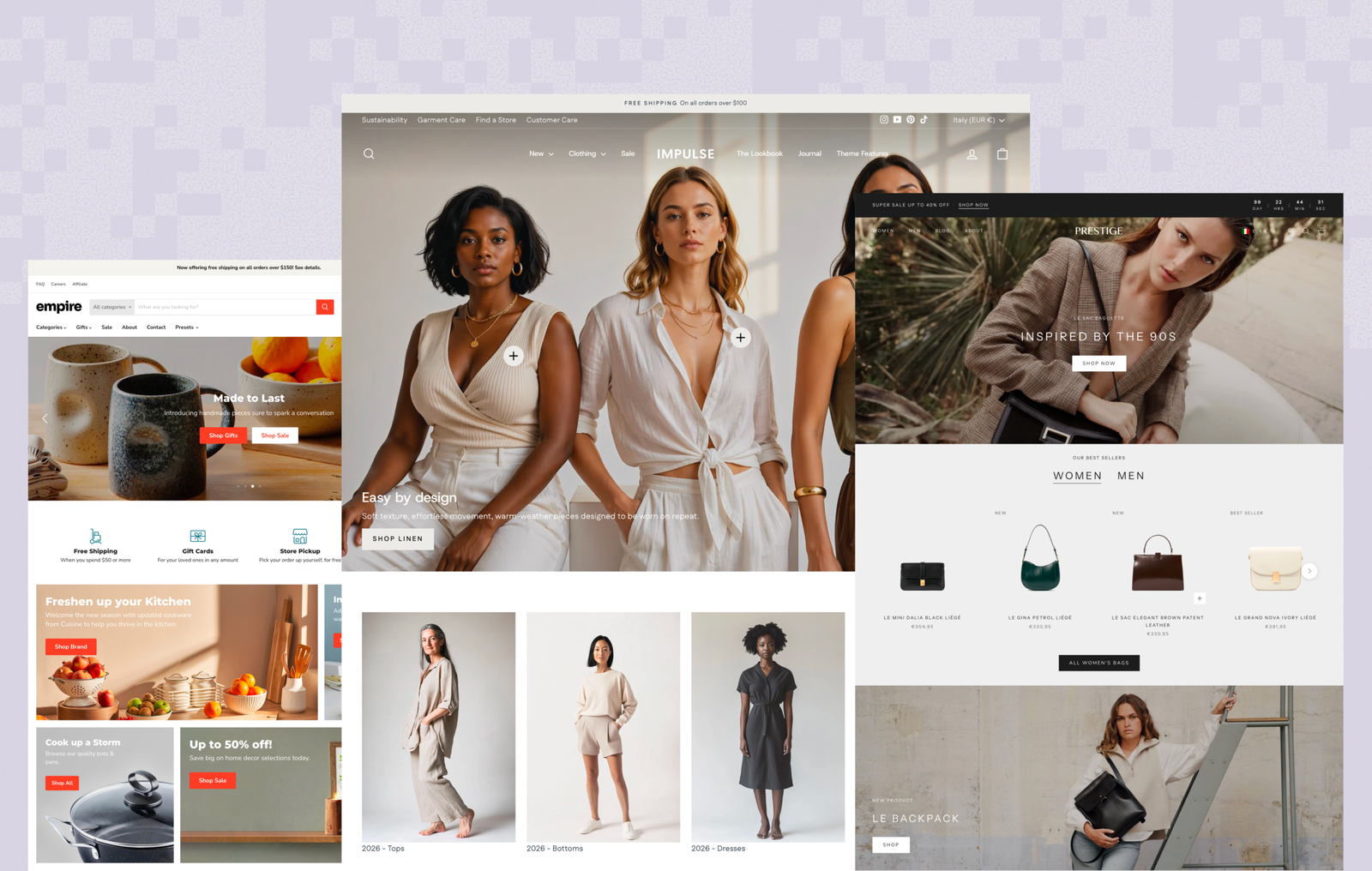
Best 15 Shopify Themes in 2026 (Free and Paid — Tested and Ranked)

Typography in 2026 is moving away from “neutral by default.” The strongest brand and web work is still clear and readable, but it is also more specific and intentional. The goal is not to chase novelty. The goal is a type system that feels designed on purpose.
Font Trends 2026: The 10 Fonts We Use

Typography in 2026 is moving away from “neutral by default.” The strongest brand and web work is still clear and readable, but it is also more specific and intentional. The goal is not to chase novelty. The goal is a type system that feels designed on purpose.
Font Trends 2026:
Typography Trends + The 10 Fonts We Use

Typography in 2026 is moving away from “neutral by default.” The strongest brand and web work is still clear and readable, but it is also more specific and intentional. The goal is not to chase novelty. The goal is a type system that feels designed on purpose.
This guide is written for founders, marketers, and designers choosing fonts for websites, Shopify stores, and brand systems. You will find the trends, a step-by-step selection workflow, and a curated list of 14 fonts with download links, usage notes, pairing ideas, and common mistakes to avoid.

How to choose fonts step-by-step

1) Personality is back, but systems still win

More brands are letting type carry identity again, especially in headlines and key sections. The difference in strong work is that the personality sits on top of a stable, readable system.

2) Serifs are rising again

Serifs are used to add warmth and credibility, especially for premium, editorial, wellness, travel, and lifestyle brands. The modern move is to keep the serif for headlines or editorial blocks, not to force it into every UI detail.

3) Variable fonts are becoming normal

Variable fonts are used more often for responsive typography and smoother hierarchy across breakpoints. Used well, they reduce compromises. Used badly, they create inconsistency. Start simple.

4) One baseline + one accent is the default formula

This is the most repeatable approach for brands that want to look confident and consistent:

  • Baseline = UI/body, navigation, forms, product pages
  • Accent = headlines, campaign moments, selected sections

Typography trends in 2026

Step 1: Decide roles before you choose fonts

Choose the roles you need:

  • Body/UI font (required)
  • Headline font (optional, sometimes the same family)
  • Mono font (optional for specs, ingredients, labels)

If you start by browsing, you will end up with a collection of vibes, not a system.

Step 2: Run a real screen test in 10 minutes

Create one test frame (or page) and set:

  • H1: 48px
  • H2: 32px
  • Body: 16px
  • Caption: 14px
  • Button: 15px (Medium)

Then check:

  • Body readability at 16px on mobile
  • Spacing and rhythm (does it feel cramped or floaty?)
  • Smooth hierarchy (can you create contrast without jumping to extremes?)
  • Numbers (prices, dates, measurements)
  • Punctuation and symbols (quotes, currency signs, parentheses)

Step 3: Check the details that quietly decide quality

  • x-height: larger usually reads better on screens
  • weight behavior: is Medium useful or too heavy?
  • italics: real italics feel intentional in editorial layouts
  • language support: check early if you serve global audiences

Step 4: Pair with contrast, not “matching”

Good pairs differ in one meaningful way:

  • Sans + serif
  • Calm baseline + expressive headline
  • Modern geometric + editorial texture

Avoid pairing fonts that compete in the same role.

Step 5: Lock simple usage rules

Write a tiny rule set and stick to it:

  • Max 2 families (3 only if mono is necessary)
  • Headline sizes and weights
  • Body sizes and weights
  • Where accent font is allowed (often H1 only)
  • When italics are used
  • Any letter spacing adjustments (keep minimal)

The 10 best fonts for 2026

Each font below includes: best for, feel, why it works, use it when, avoid when, pairing ideas, and download link.

1) Inter

Best for: UI, ecommerce, content-heavy sites, product pages
Feels like: clean, modern, invisible
Why it works: excellent readability at small sizes and a dependable hierarchy across weights
Use it when: you want a baseline that will not fight the layout
Avoid when: you need a strong headline voice without adding an accent font
Pair with: Fraunces, Newsreader, Canicule Display

Inter

Crisp UI clarity. Built for reading at small sizes and holding hierarchy without effort.

2) DM Sans

Best for: lifestyle brands, services, modern ecommerce
Feels like: warm, modern, calm
Why it works: friendly proportions that still feel structured and premium
Use it when: you want warmth without looking casual
Avoid when: you need a sharper, more technical tone
Pair with: Newsreader, Fraunces

DM SANS

Modern warmth. Friendly proportions that stay structured across web and ecommerce.

3) Space Grotesk

Best for: modern DTC, tech-forward brands, strong headings
Feels like: structured, current, slightly technical
Why it works: headline presence without losing clarity in UI roles
Use it when: you want modern brand energy with clean edges
Avoid when: the brand needs softness and classic warmth
Pair with: Cormorant, Merriweather

Space Grotesk

Current and structured. A modern grotesk with a confident headline presence.

4) Manrope

Best for: mobile-first ecommerce, dense UI, navigation
Feels like: compact, efficient, contemporary
Why it works: holds up in small UI sizes and tight layouts
Use it when: you need clarity in minimal space
Avoid when: you want an obviously expressive headline style
Pair with: Fraunces, Canicule Display

Manrope

Compact and efficient. Strong on mobile-first layouts, navigation, and UI density.

5) IBM Plex Sans

Best for: product brands, tech, finance, trust-first interfaces
Feels like: engineered, credible, systematic
Why it works: consistent rhythm and a strong “system” feel across UI
Use it when: the product needs a confident, professional tone
Avoid when: you want a softer, lifestyle-first mood
Pair with: THUNDER, Fraunces

IBM Plex Sans

System-first credibility. Clean rhythm for products that need trust and structure.

6) Work Sans

Best for: content-first sites, blogs, clean service websites
Feels like: practical, straightforward, stable
Why it works: supports hierarchy without drawing attention to itself
Use it when: content and clarity are the priority
Avoid when: you want the font to be the brand signature
Pair with: Canicule Display, Cormorant

Work Sans

Quiet workhorse. Clear, steady typography for content-heavy pages and clean UX.

7) Instrument Sans

Best for: premium UI, minimalist brand sites, calm systems
Feels like: precise, contemporary, restrained
Why it works: a quiet baseline that still feels designed
Use it when: you want “expensive calm” without relying on a flashy accent
Avoid when: the brand needs a playful personality
Pair with: Canicule Display, Fraunces

Instrument Sans

Precise restraint. A calm baseline that still feels designed and premium.

8) Syne

Best for: headline voice, brand moments, editorial sections
Feels like: expressive, modern, designed
Why it works: adds character while staying usable and legible
Use it when: you want a modern identity layer without going novelty
Avoid when: the brand needs classic minimalism
Pair with: Inter, DM Sans

Syne

A headline voice. Expressive without becoming novelty - best used in key moments.

9) Fraunces

Best for: hero headlines, editorial sections, premium brand tone
Feels like: modern serif, expressive, confident
Why it works: character plus range, strong at display sizes
Use it when: you want warmth and voice in key sections
Avoid when: you need a neutral serif for long blocks of text
Pair with: Inter, Manrope, IBM Plex Sans

Fraunces

Modern editorial serif. Character for hero headlines and brand storytelling, used with restraint.

10) Newsreader

Best for: editorial brands, blogs, long-form sections on brand sites
Feels like: published, calm, credible
Why it works: modern editorial tone that still reads well on screens
Use it when: content is a real part of the brand experience
Avoid when: the brand needs sharp modern minimalism
Pair with: DM Sans, Inter

Newsreader

Published and credible. A web-serif that brings calm authority to long-form content.

Pairing recipes that work

Recipe 1: Clean ecommerce system

Body/UI: Inter
Headlines: Inter (Bold) or Fraunces (H1 only)
Optional labels: Geist Mono

Recipe 2: Warm editorial brand

Body/UI: DM Sans
Editorial blocks: Newsreader
Headlines: Fraunces (selected sections)

Recipe 3: Modern and structured

Body/UI: Space Grotesk
Headlines: Cormorant alternative (or keep Space Grotesk if you want one-family)
Optional: Geist Mono for spec sections

Recipe 4: Trust-first product site

Body/UI: IBM Plex Sans
Headlines: Fraunces (calm premium) or THUNDER (campaign only)

Recipe 5: Minimal premium with a signature headline

Body/UI: Instrument Sans
Headlines: Canicule Display (hero only)

Shopify and web implementation notes

Keep it lean: 1-2 families is ideal for ecommerce.

Load only what you use: every weight and style is a performance decision.

Test on real devices: typography can look perfect on desktop and fail on mid-range phones.

Set your type scale once and reuse it across templates: consistency reads as quality.

FAQ

How many fonts should a website use in 2026?

Most strong systems use 1 baseline + 1 accent. More than that often looks busy and becomes harder to maintain.

Which fonts feel premium but still readable?

Inter or Instrument Sans as a baseline, paired with Fraunces or Newsreader for tone, is a reliable premium direction.

How do I test a font properly?

Set body text to 16px, view it on mobile, and check rhythm, spacing, numerals, and punctuation. If it feels tiring, it is not the right body font.

Are Google Fonts okay for commercial use?

Most are open source and intended for broad usage, but always check the specific license for the family you choose.

What makes typography feel expensive without changing the font?

Hierarchy, spacing, and restraint. Good typography is often simple, not loud.