

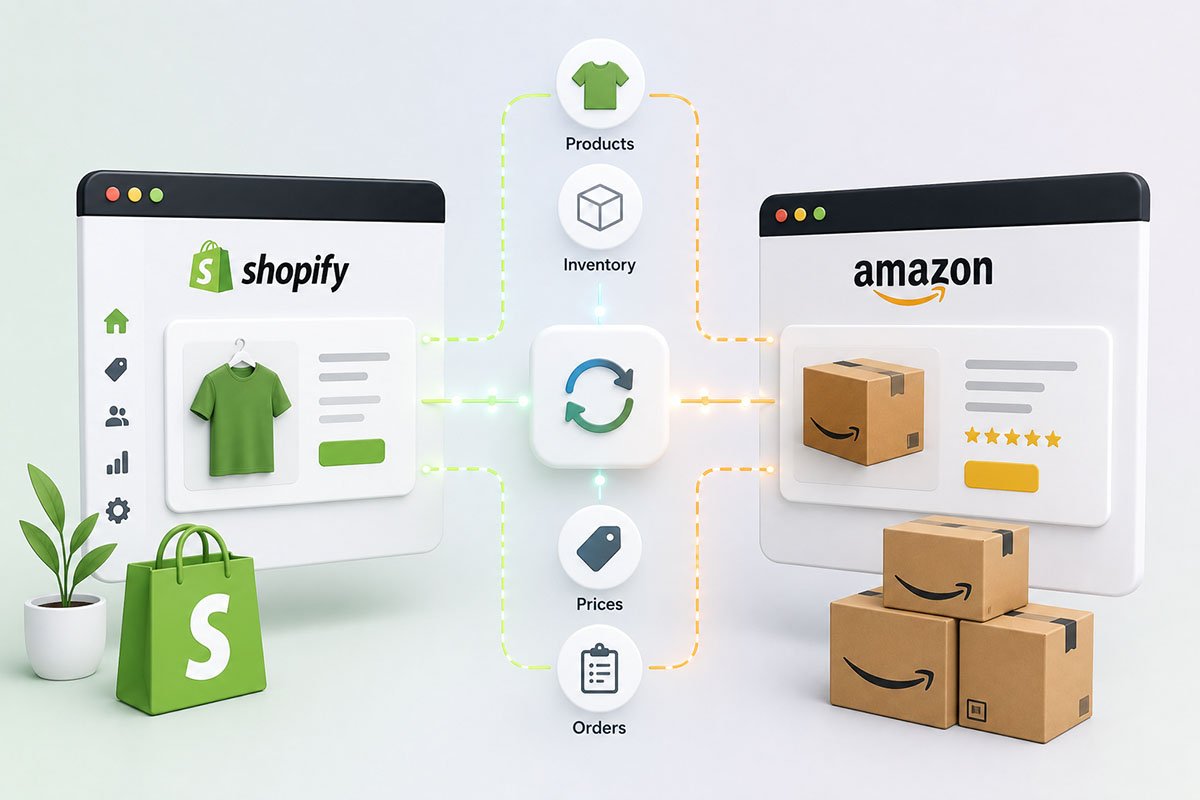
How to Integrate Shopify and Amazon
If you choose to run a Shopify store, you are using one of the most versatile eCommerce frameworks available today. As your business grows and progresses, you might wish to expand your wares elsewhere, such as Amazon. This would allow you to have your own dedicated eCommerce platform via Shopify and have your products on the largest eCommerce platform in the world.
However, understanding how to integrate Shopify and Amazon can be a somewhat complex task. While your reputation as an already successful and experienced seller will make selling on Amazon easier, bringing everything together can be a complex technical task.
Getting Started
To start learning how to integrate Shopify and Amazon, you need first to have the following in place:
- An active Amazon Professional Seller account. If you do not have one, create one.
- The correct bank accounts so that Amazon can transfer your earnings safely.
- A returns policy that is in line with Amazon, which might require some adjustment.
- Full approval to sell your products, as some products require a review from Amazon.
- An active Shopify store and Shopify subscription.
Once you have the above, you should be able to start integrating your Shopify and Amazon platforms.
Adding Amazon as a Sales Channel
The next step is to log into your Shopify account. Once you are logged in, look for the Sales Channels section and click the small plus icon next to it. Then, select Amazon from the list. You then need to connect to Amazon, a simple process that connects your Shopify account with your Amazon Professional Seller account.
The directions are very easy to follow. Eventually, you will need to log into Amazon and confirm that you wish to allow Shopify access to your Amazon Professional Seller account.
Creating Your Amazon Listings
Now you need to start listing your products on Amazon. This can be done via Shopify’s administrative panel. The best way to do this is to click the Create Listing button and choose the product you wish to list on Amazon.
If you are selling an item already on Amazon, you can simply use the Find Product button, choose the item, and set your price. Then, click Publish. If you are listing an item not currently on Amazon, you must fill in the product details beforehand.
If you already have products on Amazon before carrying this out, click on your Amazon sales channel on Shopify and hit the Link Products button. Browse through Amazon and find the products you wish to list, click Select Product, fill in the details required, and then click Link Products.
Syncing Your Inventory
If you wish to make life easier, you can automatically have your inventory updated on Amazon. To do this, click the option that says Use Shopify inventory settings on that particular product listing. Select the option for using Shopify tracking to understand the product inventory. You could manage this on your own, but it means you could oversell a product without having supply to meet demand.
Dealing with and Fulfilling Orders
Once you have all of the above set up, any orders that come through on Amazon can be seen on your Shopify administration panel. This is like any other order you get on your own Shopify platform. The order will be listed with an Amazon label, so you know where the order came from.
You need to log into your Shopify panel and visit the Amazon order in question. Under Order Details, you should see a fulfillment option often listed as Start Fulfilling. Here, you can fulfill the order in part or in full, just as you would for any other Shopify order.
Mark the order as fulfilled, and then click the Fulfil Items button to finish the process off.
Final Thoughts
Now that you know how to integrate Shopify and Amazon, you also need to take some time to integrate your product listings to suit Amazon. Making sure you use the correct keywords and search terms will ensure that your items rank as high on Amazon as they do on Google. This can take some time and some trial and error, but it is worth it so you can benefit from Amazon integration in full.
Are you looking for a hand with learning how to integrate Shopify and Amazon and making it work to your advantage? Reach out to us today. Create Circus can make it easier than ever for you to build Amazon-friendly listings that ensure you can bring in more sales from both Amazon and your standard Shopify store.