

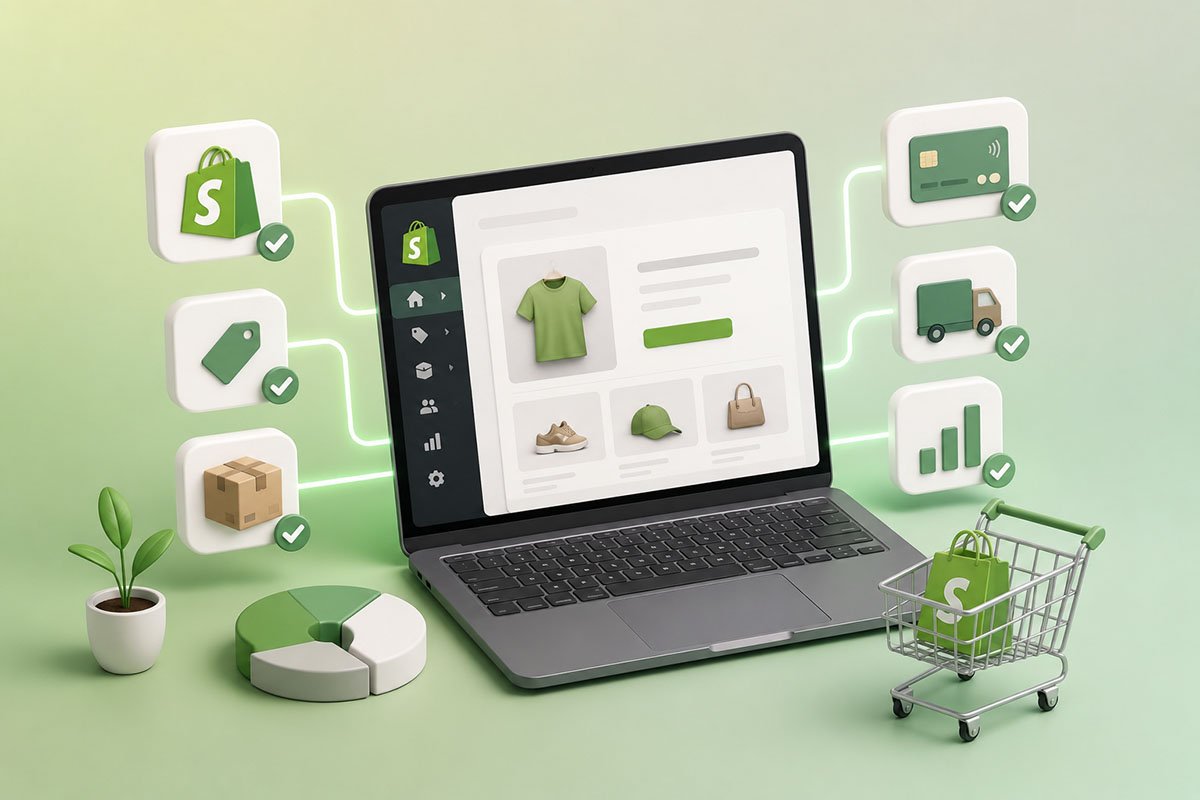
How does Shopify work?
Shopify is the world’s leading eCommerce solution, powering millions of businesses. With Shopify, you can set up an online storefront to sell your products and services using a simple point-and-click interface. You can also add apps and other features as your business grows. Shopify is used by merchants of all sizes, from dropshippers and small boutiques to large retailers. It combines beautiful design, powerful features, and ease of use to provide a smooth experience for your customers. It is also incredibly scalable, allowing you to start with one store and add more as your business grows. So, let us look in depth at what Shopify is and what it can do for you.What is Shopify?
Shopify is a software-as-a-service sales platform that operates on a subscription basis. It gives business owners the tools they need to create an online store, manage products, process payments, track inventory, handle shipping, and sell through multiple channels. Every Shopify plan offers a set of business management tools. From Basic Shopify to Shopify Plus, the platform includes features for product sourcing, sales, inventory monitoring, payment processing, shipping, customer accounts, marketing, and reporting. Additionally, numerous Shopify apps make it simple to expand your store’s functionality. Shopify is a great platform for anyone who wants to create and sell their products. You can use it to set up an eCommerce website or even support a physical store. The platform is extremely versatile and easy to use, making it suitable for business owners who may not have much prior experience with eCommerce.How does Shopify work?
Shopify allows you to create a website, add products, and start selling online. It is a hosted eCommerce solution, meaning you do not have to install software or hardware on your own computer to run your store. A small business can use Shopify to launch an online storefront, manage products, accept payments, and monitor sales from one central dashboard. Here is how Shopify works in practice.It lets you create your shop
With a wide selection of store themes and drag-and-drop functionality, Shopify makes the setup process simple. You can customise fonts, graphics, colours, and layouts to match your brand. Shopify themes are also built to work well on mobile devices, and you can list a large number of products as your store grows.It lets you set up a subscription plan
Shopify offers several subscription plans depending on the size and needs of your business. Your plan determines which features, reports, staff accounts, and selling tools are available to you.It helps you accept payments
Shopify Payments allows you to accept credit card payments from customers. You can also connect third-party payment providers depending on your region and business requirements.It lets you include a Buy Button
A Shopify Buy Button can be embedded on another website, blog, or landing page. This allows customers to purchase a product without visiting your full Shopify storefront.It allows you to sell through multiple channels
You can sell products through your website, social media platforms, and other sales channels. Shopify integrates with platforms such as Facebook, Instagram, Pinterest, and Google, helping you reach customers in more places.It helps you set up point of sale
Shopify POS allows you to sell in person while keeping your inventory, orders, and customer data connected to your online store. This is useful for retail stores, pop-ups, markets, and events.It helps you monitor your company
Shopify’s dashboard shows statistics, reports, and other business data on desktop and mobile. The Shopify mobile app allows you to manage tasks such as adding product photographs, setting prices, handling refunds, viewing sales and visitor traffic, receiving order notifications, and communicating with your team.Shopify subscription levels
The choice of a Shopify plan comes down to the size of your business and the features you need. Shopify charges monthly fees, with additional costs depending on payment processing, shipping labels, apps, and advanced POS requirements. Shopify’s online store plans allow you to sell products, manage orders, serve customers, and access core sales and business management tools. If this is your first eCommerce store and you are just starting, a standard Shopify plan may be enough to help you launch and manage your store effectively. It is also worth checking whether Shopify is offering a free trial or promotional pricing before you commit, as offers may change over time.What products can you sell on Shopify?
Almost any products and services can be sold using Shopify, including:- Physical goods you ship yourself.
- Digital products such as e-books, music files, downloads, and digital gift cards.
- Dropship products that suppliers send directly to customers.
- Products and services offered in retail stores.
- Products sold through mobile or in-person sales.
- Online bookings for services.
- Recurring payments for memberships and subscription boxes.
- Online classes, workshops, webinars, and tutorials.
- Event tickets, local tours, attraction tickets, and passes.
- Rentals for formal attire, cameras, sports equipment, and more.
- Donations and fundraising.
Finding the right products or services
You should also come up with a list of specific products or services you want to sell. To do this, you need to know who your audience is and what they want. For example, if you are selling products for cats, it might be helpful to research cat owners online and see what kinds of products they are buying, as well as what type of information they search for when looking for new products. You can also look at products that are already selling well in your marketplace and see what they have in common. Then, you can try to create something similar while still making your offer distinctive. Once you have sold something, it is important to ask for customer feedback. That will help you figure out what customers like about your products and what they do not like, so you can make improvements next time.Adding products to Shopify
You will want to add products when you start building your Shopify store. This is an important step, and it is best to think carefully about what products you want to sell before you begin. As a general rule, the more time and effort you spend choosing the right products for your store, the more successful it is likely to be in the long term. Having a suitable theme can also help with this process, as your store design should support the type of products you are displaying.What are the pros of using Shopify?
Now it is time to talk about the benefits of using Shopify.1. Shopify is extremely user-friendly
The first thing many users notice about Shopify is how easy it is to use. It has a straightforward interface and an intuitive design, allowing you to create an online store without needing advanced technical knowledge.2. Shopify offers a large selection of templates and themes
Shopify has a wide range of pre-made templates and themes to choose from. You can choose the one that best suits your business needs or customise it to fit your brand identity.3. Shopify is a secure platform
Shopify is designed with security in mind, which helps protect your store and customer data. This is especially important for any business that processes online payments and collects customer information.4. Shopify provides comprehensive support
Shopify offers support resources to help merchants solve problems and learn how to use the platform. This can be useful when setting up your store, managing products, or resolving technical issues.5. Shopify helps with dropshipping
Shopify makes it easier to get started with dropshipping. You can set up your store, connect suitable apps or suppliers, and begin selling products from third-party vendors.Setting up your Shopify store
Setting up your Shopify store is easy and intuitive. The core steps are choosing a name, selecting a theme, and adding products. Choose a name for your store. A good name should be memorable, clear, and relevant to what you are selling. You will use this name as the title of your website and possibly as part of your domain name, so it is worth taking time to choose something that fits your brand. Choose a theme for your site. A theme determines your online store’s overall look and feel, from its colours to its layout. If you do not have much experience designing websites, try using one of Shopify’s pre-designed themes until you are ready to create something more custom. Remember, you can easily change your Shopify theme later. Add products. Once everything has been set up according to plan, start adding items to your store from the Shopify admin panel. You can add product images, descriptions, prices, variants, and supporting information to help customers understand what you sell.Adding a domain name to your store
A domain name is essential for any business. It is your website address and can be used to promote your brand or company. A common mistake people make when choosing a domain name is choosing something too generic, too long, or too difficult for customers to remember. You can purchase a domain name through many providers, including Shopify, and then add it to your store settings so it can be used for your online store.Beautiful, responsive themes just for you
Shopify has a wide selection of themes, and many of them are beautifully designed. There are hundreds of themes available on the Shopify Theme Store, with new options added regularly. Themes can be free or premium. Free themes come with pre-built templates, but you may need to edit the code yourself if you want to customise them heavily. Premium themes often provide more advanced features, layouts, and support. Shopify works with talented designers and developers worldwide, so there is usually a suitable theme for every type of store. The best part is that if one does not perfectly fit your brand yet, you can customise it to suit your needs.The right tools to manage orders and shipping
You can use Shopify’s shipping tools to manage your orders and shipping. You can add multiple shipping methods and set up discounts for each one. You can also set different pricing for shipping rates in different regions or for specific products. You have a few options when it comes to setting up your shipping settings:- Free shipping, where customers are charged nothing for delivery.
- Flat-rate shipping, where customers pay the same amount regardless of order size.
- Weight-based rates, where customers pay based on how much they order.
Conclusion
Ultimately, it all comes down to what you want from your eCommerce platform. If you need a simple, easy-to-use solution that is suitable for your business and does not overcomplicate the process, Shopify is a strong option. It has the tools you need to get started and continues to add features that improve the user experience. If you ever have questions or problems with Shopify, its support resources and large app ecosystem can help you find a solution. If you are ready to start selling online, Shopify gives you a practical way to build and manage your eCommerce store.