

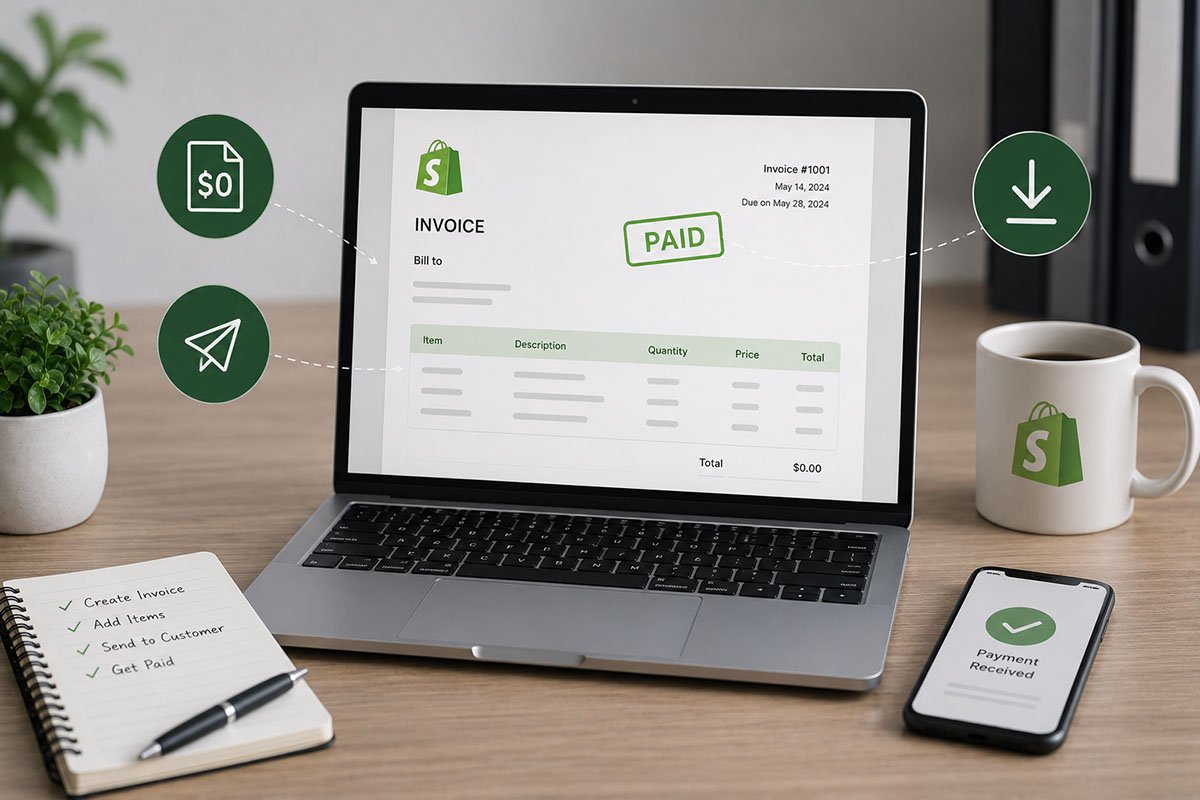
How to Use Shopify Invoice for Free
An invoice is a formal document issued by a business to its customer, detailing the goods or services provided and the corresponding payment required. It includes key information such as the company’s name, address, contact details, and payment terms. These details may cover payment deadlines, accepted payment methods, and potential late payment fees.
The invoice serves as an important part of a company’s accounting system, helping with sales tracking, accounts receivable management, and financial record keeping. It is also an essential tool for maintaining clear financial communication between a business and its clients. That’s why Shopify offers a tool called the Shopify Invoice Generator, designed to help businesses create invoices more efficiently. In this article, we’ll show you how to use Shopify Invoice for your business or service.
Benefits of Using the Free Shopify Invoice Tool
- Cost-effective solution: The free Shopify invoice tool allows businesses to create professional invoices without paying for additional software.
- Time-saving process: Pre-set templates and automatic calculations help reduce the time spent creating invoices.
- Brand customization: You can add your logo and customize the invoice layout to keep your business documents consistent and professional.
- Automatic calculations: The tool calculates totals, taxes, and discounts, helping reduce errors that can happen with manual calculations.
- Better record keeping: Generated invoices can be saved, organized, and retrieved later, making financial management easier.
- Online accessibility: Because it is an online tool, invoices can be created from anywhere and sent to customers by email.
- Eco-friendly workflow: Using a digital invoice generator helps reduce paper usage.
This tool is particularly beneficial for small to medium-sized businesses looking for a reliable, no-cost solution to manage invoicing efficiently and professionally.
How to Create an Invoice Using the Shopify Invoice Tool
These steps provide a clear and efficient way to produce professional invoices while ensuring accuracy and consistency in your billing process. To create an invoice using Shopify Invoice, follow these fast and easy steps:
1. Input basic information: Begin by filling in important details such as your business name, your contact information, and your client’s contact details. Double-check everything for accuracy.
2. Customize the invoice: Add your company logo to the invoice template. This helps maintain a consistent and professional appearance across your business documents.
3. List the items for billing: Include all the items or services you are charging for. Use the “Add a Line Item” option to enter details such as quantity, description, hourly rates, or any discounts offered.
4. Add notes or memos: If there are additional details or specific messages for your client, use the memo section to include these notes.
5. Review and edit total and taxes: Check the total amount calculated by the tool. Make any necessary adjustments to the tax line to reflect the appropriate tax rate for your area or specific tax conditions.
6. Generate the invoice: After filling in all the required fields and reviewing the details, click the “Submit” button to generate the invoice, which will be sent to your email.
7. Download and send the invoice: Once you receive the invoice in your email, download it in PDF format and send it to your client.
Methods to Send Your Shopify Invoice
- Postal mail: For clients who prefer traditional methods, you can print and mail the invoice. This is useful when a client prefers physical documents or when digital delivery is not suitable.
- Email: Email is the fastest and easiest option. Simply attach the PDF invoice to an email and send it directly to your client. This method reduces printing and postage costs, ensures quick delivery, and allows the client to store or print the document easily.
Important Basic Information in an Invoice
- Your business information: Include your business name, address, and contact details so the client can clearly identify the source of the invoice.
- Client information: Add the client’s name, address, and contact details to ensure the invoice reaches the right person or department.
- Service or product description: Provide a clear description of the services or products delivered so the client understands what they are being billed for.
- Service date or duration: Mention the specific date or period during which the services were provided or the products were delivered.
- Total amount due: Clearly display the total amount owed, including any additional fees, taxes, or discounts.
- Payment terms: Explain how and when you expect to be paid. Include due dates, accepted payment methods, and any late payment policies.
Including this information in your Shopify invoice helps create clear communication about billing and sets expectations for timely payment. It can also be helpful to use a unique invoice number for tracking, mention any advance payments or deposits, and include a short thank you note or polite payment reminder.
Importance of Invoice in a Business
Invoices are a fundamental part of e-commerce and serve several important functions:
1. Legal and tax records: Invoices act as official transaction records, which are essential for tax compliance and other regulatory requirements. They help ensure that businesses operate within legal frameworks.
2. Financial management: Invoices are crucial for maintaining detailed financial records. They help track sales, manage cash flow, and support accurate bookkeeping, financial reporting, and audits.
3. Customer clarity: Invoices provide customers with a detailed account of their purchases, including itemized costs and payment terms. This clarity helps prevent misunderstandings and disputes over charges.
4. Inventory and cash flow support: Invoices can help monitor stock levels by reflecting sales data and supporting inventory management. Clear payment terms and deadlines can also speed up the payment process and improve cash flow.
5. Professional image: Properly formatted and accurate invoices contribute to a business’s professional image, helping build trust and credibility with customers. They also create an opportunity to communicate with customers after purchase, including personalized messages or promotions that may encourage repeat business.
In summary, invoices in e-commerce are not just transactional documents. They are essential to the operational, financial, and legal aspects of online business. They support everything from legal compliance and financial management to customer service and strategic planning.