

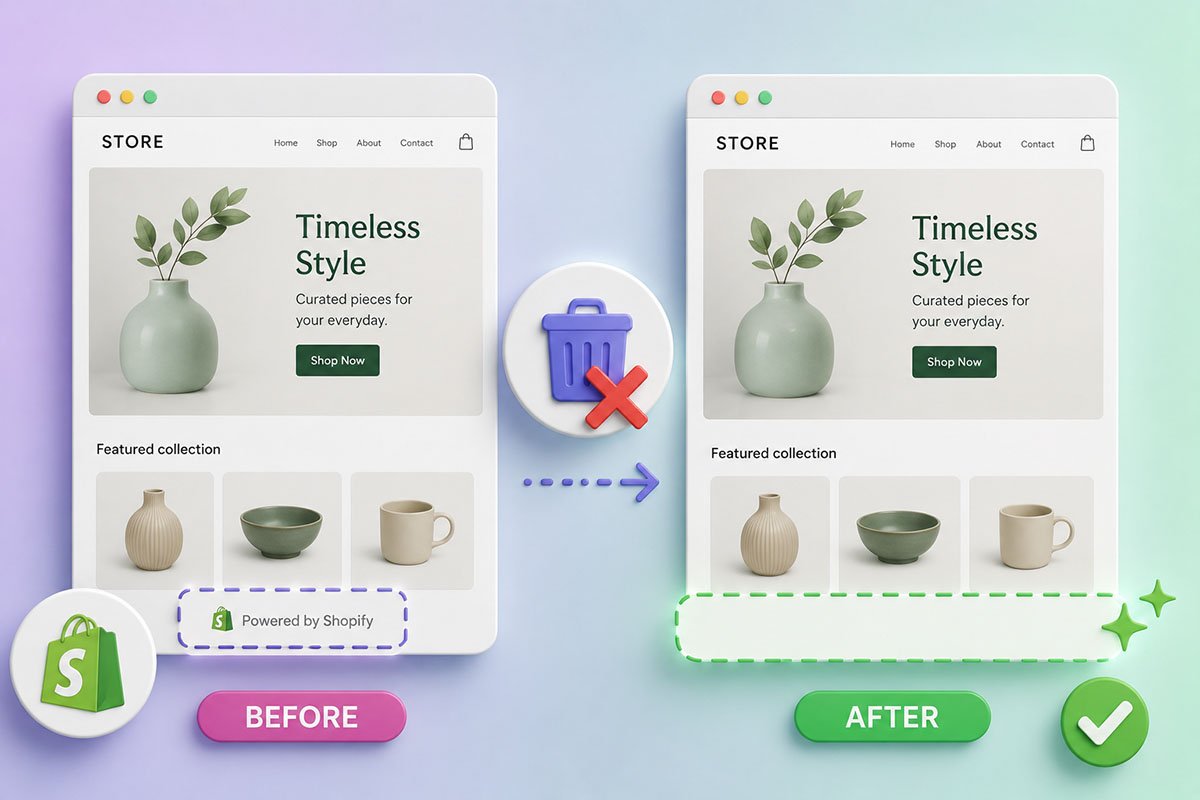
How to Remove ‘Powered by Shopify’
Every website built with Shopify displays the Powered by Shopify tagline in the credit line of the footer at the bottom of the page. But while this is great for Shopify, it is not ideal for you — especially when you want to customise a site for you or your client. This article provides a simple step-by-step guide on how to remove “Powered by Shopify” from your site. It outlines three easy methods for removing the text, as well as suggestions for what to replace it with. In a rush? No problem — check out our video tutorial below.In a rush? No problem — check out our video tutorial below.
Why Remove “Powered by Shopify” from Your Store?
There are two main reasons why you should remove “Powered by Shopify” from your store’s footer. First, it does not look very professional. The “Powered by Shopify” text makes your site look standardised and can make your web design skills look amateur. Nobody wants to work with a web designer who does not have full control over their website. And given that you have already installed your Shopify theme and started customising it, why not go the extra mile and remove the default tagline? The second reason to remove “Powered by Shopify” is that it can carry negative connotations related to dropshipping. The tagline allows people looking for Shopify stores to find your site easily — for commercial prospecting, benchmarking, or store inspiration. Some dropshippers search for Powered by Shopify to spy on other stores. And because Shopify is becoming increasingly associated with dropshipping, and internet users are becoming warier of this e-commerce CMS, you may want to avoid that association. The good news is that this is easy to correct, as there are several ways to remove “Powered by Shopify” from your site.How to Remove “Powered by Shopify”
The procedure is pretty straightforward and is the same for most e-commerce stores. Here are three methods for removing “Powered by Shopify” from your e-commerce website. In this example, we will use the Debut theme. In a rush? Check out our 90-second how-to video for removing “Powered by Shopify”. Watch the 90-second tutorialMethod 1: Using Edit Code
1. Open your Shopify theme code: Go to the administration area of your Shopify store. Under Online Store, go to Themes → Actions → Edit code. 2. Open the footer file: Find the Sections folder and open the file named footer.liquid. The code will open in the right-hand section. 3. Search for the Shopify credit line: Use Ctrl + F on Windows or Command + F on Mac to search for powered_by_link. 4. Delete the relevant line: Delete the full line that contains {{ powered_by_link }}. Depending on your theme, there may be more than one instance. 5. Save your changes: Click Save for the changes to take effect.Method 2: Using Edit Language
If the code method does not work for you, there is another simple option. 1. Open the language editor: On your Shopify Dashboard, go to Online Store → Themes → Actions → Edit languages. 2. Search for the text: In the filter section, type Powered. 3. Clear the placeholder: Under the Checkout & System links, you should see a Powered by Shopify placeholder. Press the space bar to replace the faded text with a blank space. Apply the same process in the HTML search result if it appears there too. 4. Save your changes: Click the Save button in the upper-right section.Method 3: Using the Mobile App
Most people use a desktop computer to customise their e-commerce websites, but you can also remove the “Powered by Shopify” phrase using your Android or iOS device. 1. Access the Shopify Dashboard: Open your Shopify admin from the mobile app. 2. Go to Online Store: From the Sales Channels section, open Online Store. 3. Open Themes: Go to Themes. 4. Edit the language settings: Select the theme you wish to edit, click Actions, then choose Edit languages. 5. Search for Powered: In the filter box, type Powered. 6. Replace the text: Insert a single space in the “Powered by Shopify” section. 7. Save your changes: Click Save. And bingo — you have now removed “Powered by Shopify” from your e-commerce site.What to Replace “Powered by Shopify” With
One of the best replacements for the “Powered by Shopify” advertising phrase is a trust badge from top brands like MasterCard, PayPal, or Visa. You can also add your contact information, social media links, or money-back guarantees, all of which can help build trust. The “Powered by Shopify” phrase should be one of the first things you remove when building a custom website. By following any of the three methods covered in this article, you can quickly, easily, and safely remove this default advertising phrase and replace it with your company name, your domain name, or your client’s brand.Ready to Take Your Shopify Site to the Next Level? Contact Create Circus
Create Circus is a UK-based Shopify Expert & eCommerce agency. We specialise in all things eCommerce — from custom theme development and how to change theme, to sales channels, app integrations, and targeted Google Ads campaigns. Schedule your free call with us today and let’s supercharge your Shopify.